
Connect with one tap
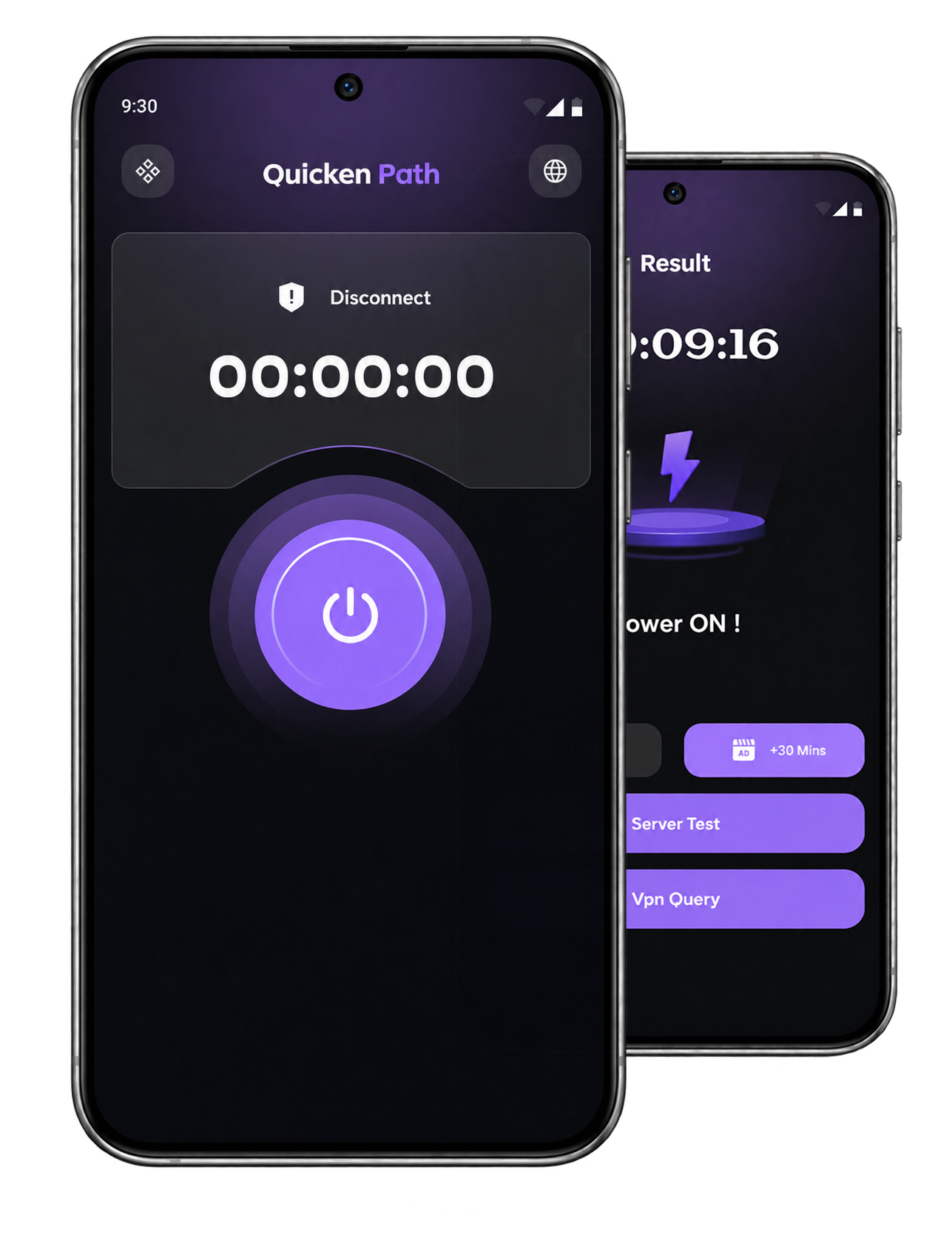
A prominent power control helps you start your connection without digging through complicated menus.
Use RapidGate VPN to connect with ease, see your connection status at a glance, and disconnect whenever you want.
Simple by design
From the first tap to the moment you disconnect, RapidGate VPN keeps the experience focused and easy to understand.
A prominent power control helps you start your connection without digging through complicated menus.
See whether you are connected and keep track of the current connection time on the main screen.
The same straightforward control lets you end your connection whenever you are finished.
Inside the app
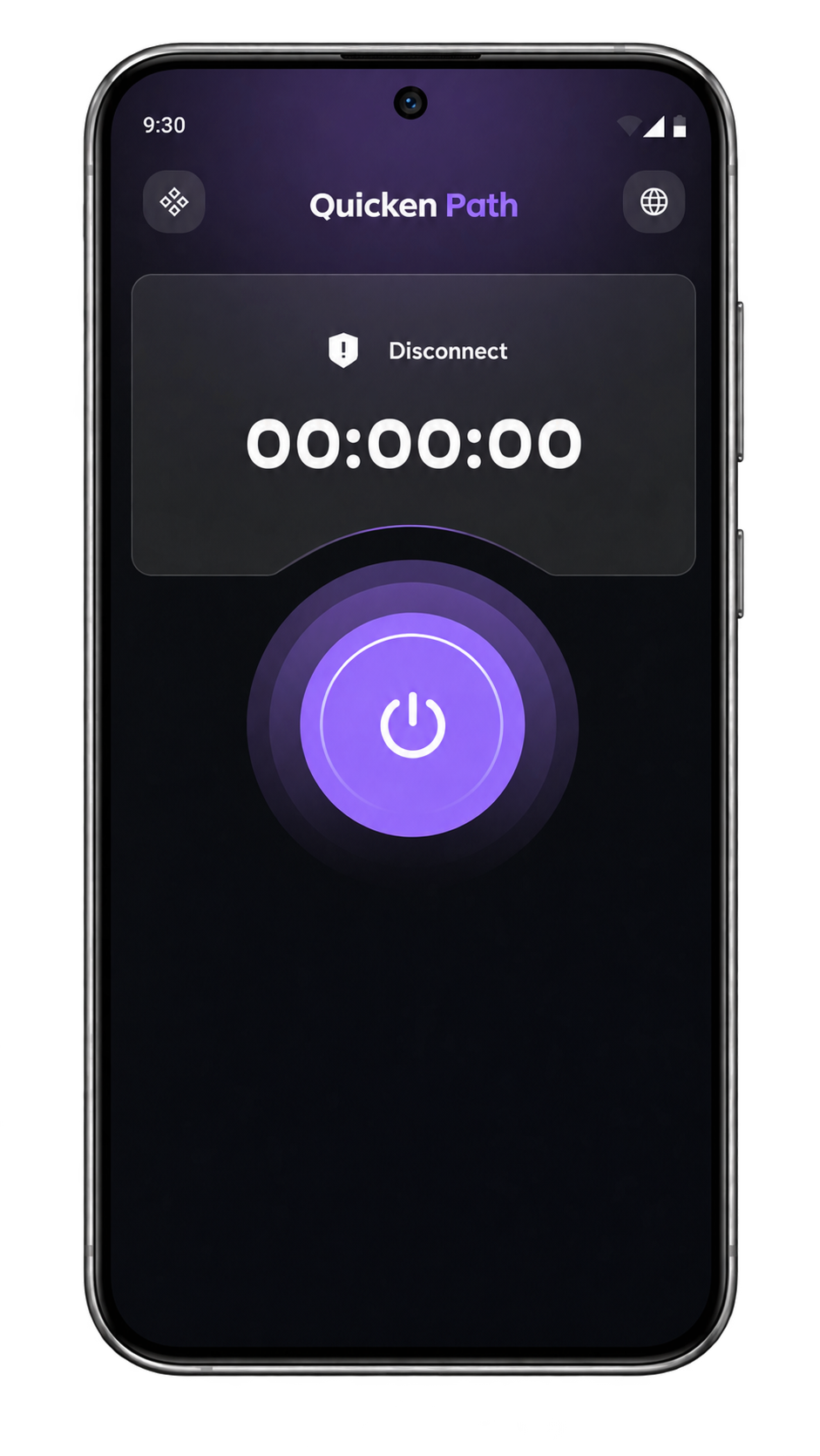
RapidGate VPN puts the controls and connection details together in a focused Android interface, so the next action is always obvious.
Connect in one tap
Frequently asked questions
Find quick answers about using RapidGate VPN on Android.
Still have a question? Contact usRapidGate VPN is an Android app designed to make connecting, checking your connection status, and disconnecting straightforward.
Open the app and use the large power control on the main screen. The app will show the current connection status after you tap it.
The main screen displays the connection state and connection time, so you can check your status at a glance.
Yes. Return to the main screen and use the same central control to end the current connection.
RapidGate VPN is available from Google Play for Android devices.
You can review the complete RapidGate VPN Privacy Policy on this website.
Ready when you are
Download RapidGate VPN from Google Play.